Entra ID Connect Health Event Monitor Reference Guide
notitie
Overview
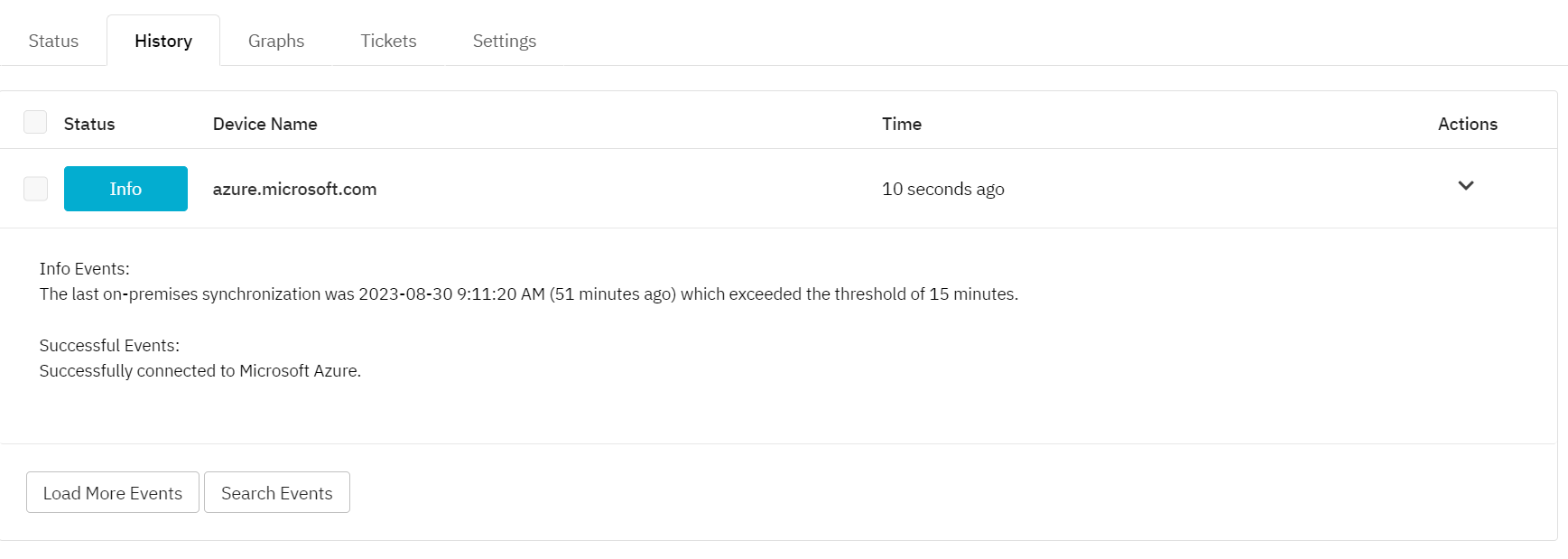
The Entra ID Connect Health Event Monitor alerts on AD Connect synchronization issues with your on-premise active directory.
info
Use Cases
- Getting notified about time gaps between synchronizations
Monitoring Options
This event monitor provides the following options:
- Alert with [Info/Warning/Error/Critical] if Azure cannot be contacted: Receive an alert if the event monitor cannot connect to Microsoft Azure.
- Alert if a specified amount of time has passed since the last on-premises synchronization: Enter the amount of time since the last synchronization that will trigger each level of alert. You can choose to quantify your value with units for seconds, minutes, hours, or days, depending on your needs.
Step 1: Create an App Registration
Create an app registration in Azure to add to the authentication profile of your event monitor.
Step 2: Assign Required Permissions
Grant the necessary permissions for the application types under Microsoft Graph:
- Organization.Read.All
- User.Read
Protocols
- HTTPS
Data Points
This event monitor does not generate any data points.
Sample Output